 Glimpse Media
 Glimpse Calming Sounds
Calming sounds and music for Android, with no adverts.
Glimpse Calming Sounds plays soft, steady sound for relaxing in the day and for falling asleep at night: gentle noise, rain, water, night sounds and calm pulses, mixed the way you like them.
It was designed with people who have tinnitus in mind, by someone who has it. It is a general wellbeing app, not a medical device: it does not diagnose or treat anything.
Coming soon to Google Play
Take A Look
What You Get
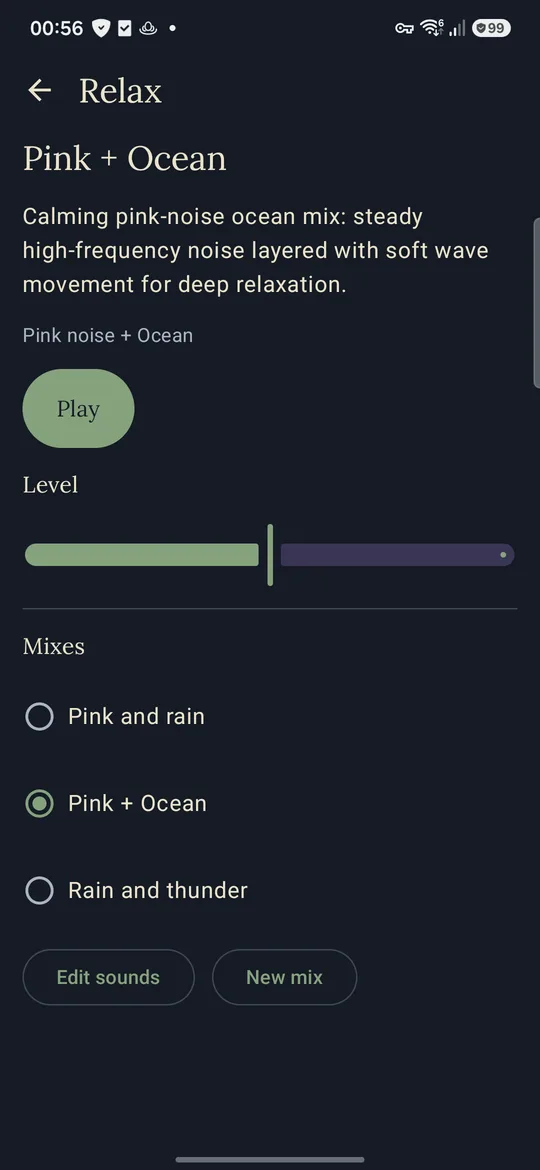
- Relax. Soft sound for the day: pink noise with rain, ocean waves, rain and thunder, or a mix of your own.
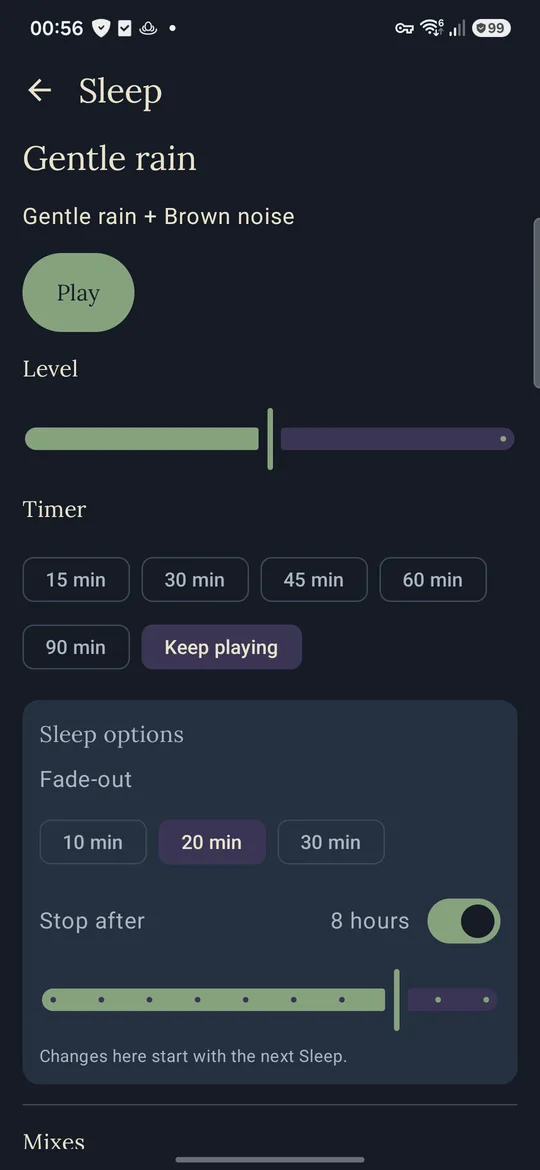
- Sleep. Gentle, steady sound for the night, with a timer, a slow fade-out and an automatic stop, kept quieter than Relax.
- Soothing Pulse. A soft band of hiss whose loudness gently rises and falls, at low, middle and high pitches, on its own or under pink noise or rain.
- Tone finder. Pick by ear the sound most like what you hear, in a few short tries over two days, and the app sets up "My tone": a soft pulse at that pitch, which you can fine-tune. It only sets up a sound you like; it is not a medical check.
- Your own mixes. Up to six sounds in a mix, each with its own level, plus balance and width. Noises are made live on the phone, so they never repeat; nature sounds are the maker's own recordings.
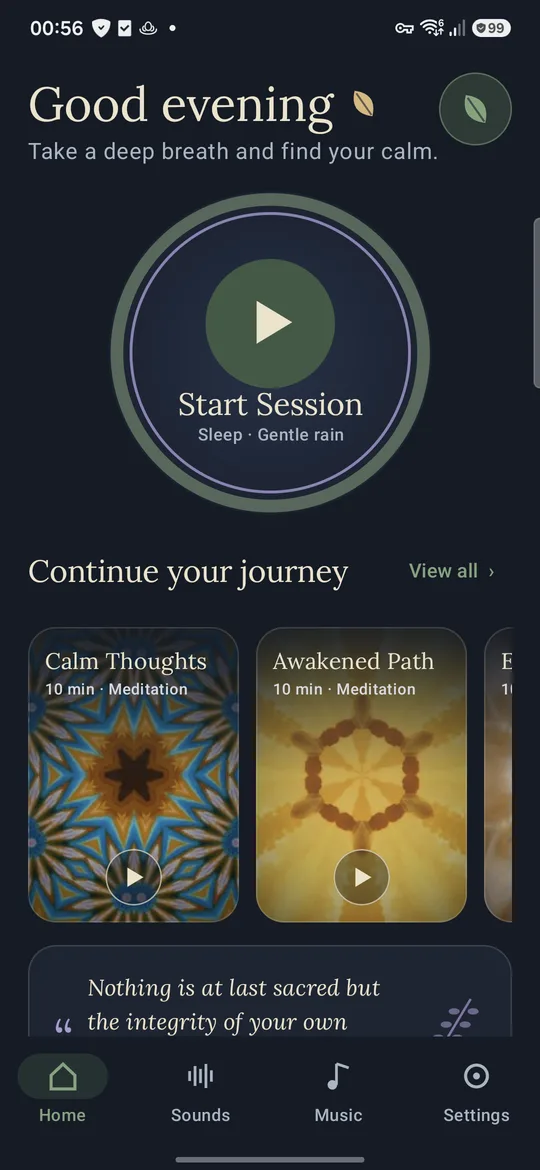
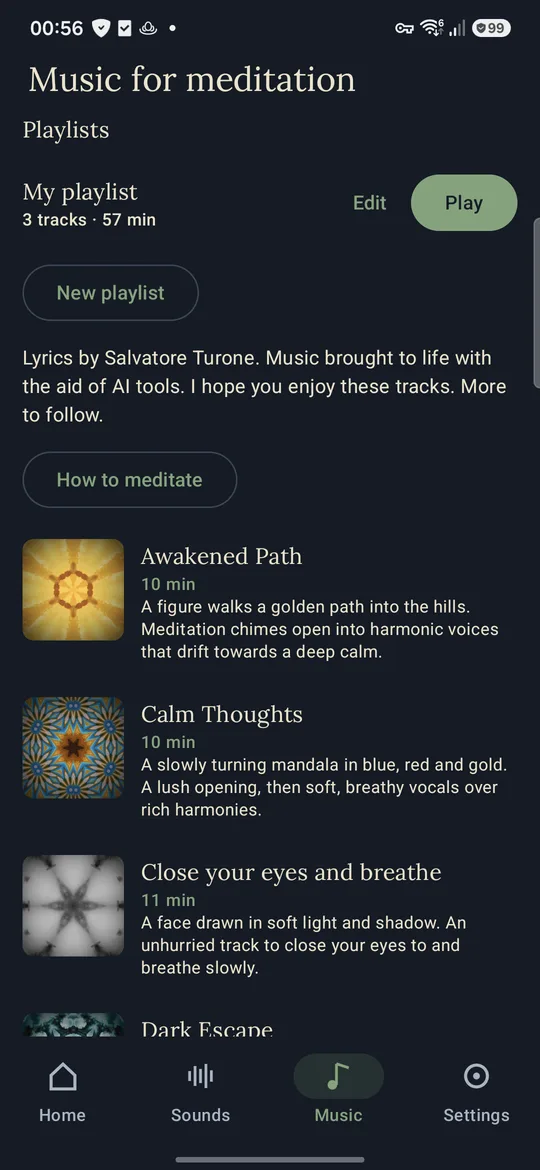
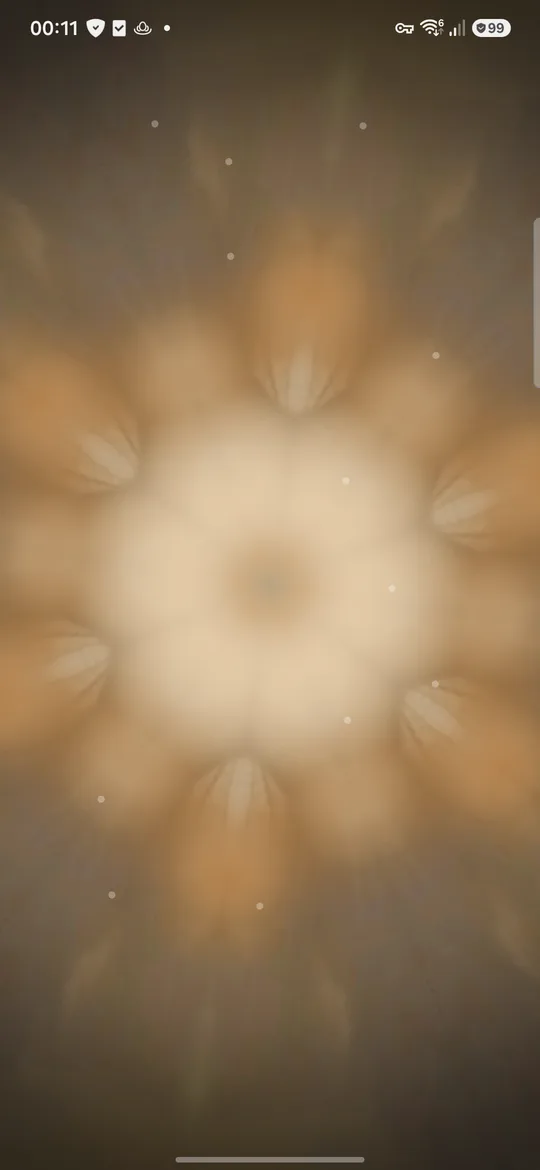
- Music for meditation. Twelve original tracks, each with its own slowly turning kaleidoscope picture, unlocked with a one-time purchase. Make playlists, and tracks flow into each other with a smooth crossfade.
- Start Session. One tap plays Relax by day and Sleep in the evening, with the mix you used last.
- Widgets and a Quick Settings tile. Play and pause from the home screen, pick a track from the full widget, or start Sleep from the quick settings.
- Gentle on your ears. Every sound fades in, levels are capped below every setting, Sleep is kept quieter still, and there is an option for people who find everyday sounds too loud.
Private By Design
No adverts, no accounts and no internet use. Your mixes, playlists, settings and listening history stay on your phone and are not copied anywhere.
How To Start
Install Glimpse Calming Sounds, read the short welcome, and tap Start Session. Use headphones or the speaker at a comfortable, low volume.
Questions? Write to [email protected].